
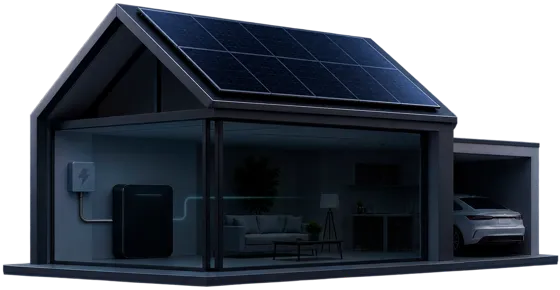
Free app for Marstek Venus batteries

Know the moment the power goes out.

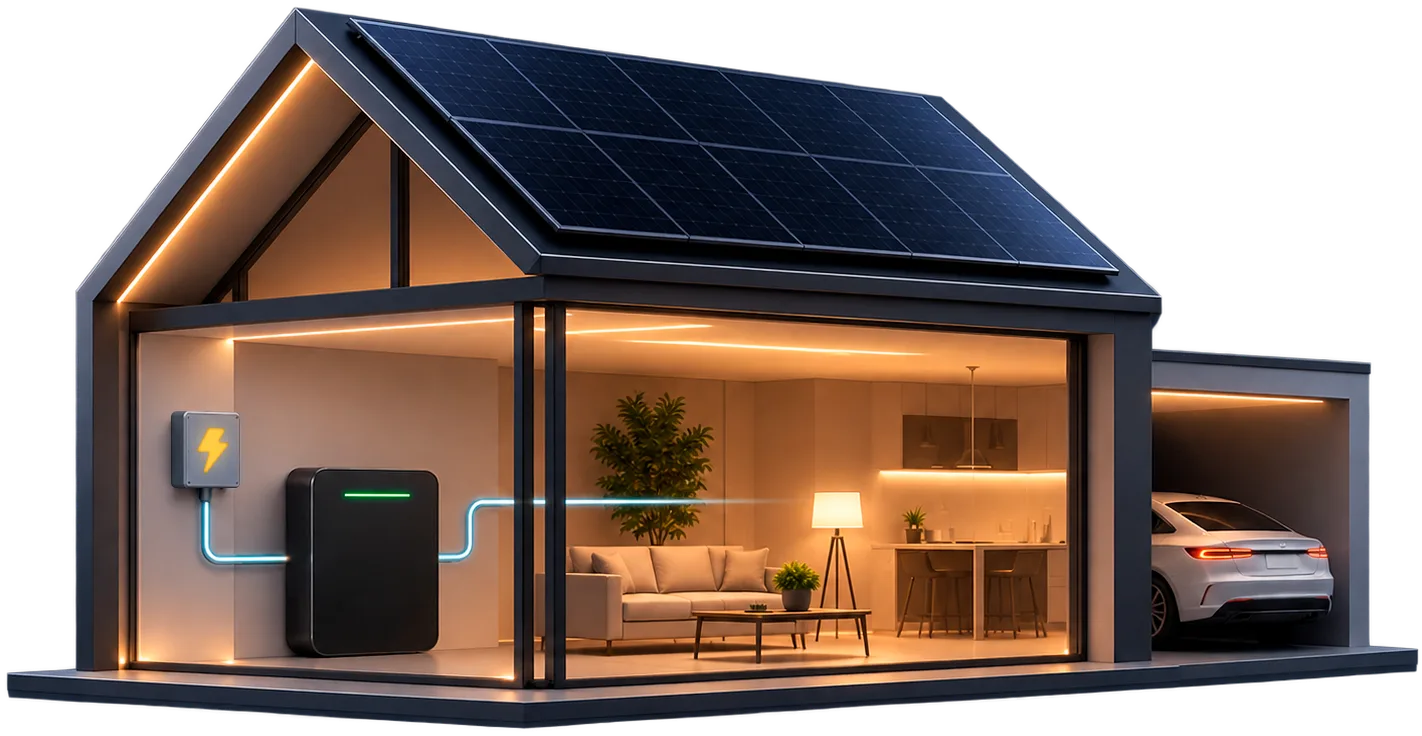
My Marstek watches your home battery over Wi‑Fi: is the power on, how much charge is left and how long it will last. When the grid goes down, your Mac tells you first.

Live demo with sample data. Hover the cards to see what each number means.

30 sbetween checks
30 daysof power history
0 cloudstalks only to your battery
$0free, no account
Features

Everything that matters. Nothing that doesn’t.

No dashboards full of numbers. My Marstek answers three questions: is the power on, how much is left, and how long will it last.

Outage alerts in seconds

The app notices the grid is gone, confirms it on the next check and notifies you — with charge and how long the battery will hold. And again when the power is back.
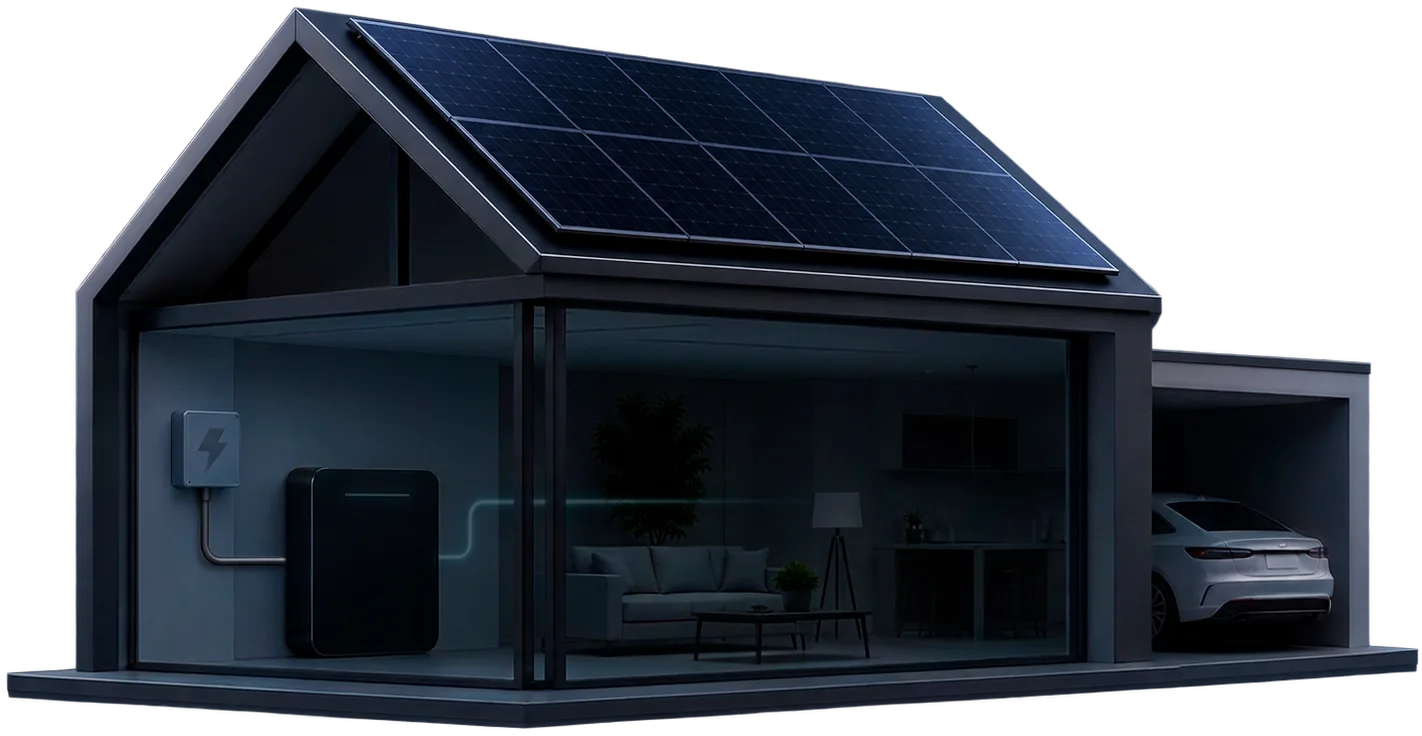
⚠️ Power lostnow

Running on battery. Charge 86%, load 238 W, lasts 6 h 13 min.

✅ Power is back2 h ago

The outage lasted 2 h 05 min. Charge 58%.

How long will it last?

Runtime is calculated from the real charge, capacity and what your home uses right now — not a guess from a spec sheet.

6 h 13 minat 238 W · until about 01:55

Always in the menu bar

Charge and home load right next to the clock. One click shows the house, the numbers and quick actions.

Widgets for your desktop

Small and medium widgets show the state of the house without opening anything.

Power is on
86%
charging
No power
64%
Home 240 W
since 15:00
lasts 4 h 50 min

History that explains your day

Charge and load for the last 30 days, every outage with its duration, hours without power per day — and a CSV export for spreadsheets.

No power2 h 05 min
Home used5.8 kWh
Battery supplied0.9 kWh
Lowest charge58%
ChargeHome loadOutage

Telegram, if you’re away

Connect your own bot and get the same alerts on your phone. Send /status to see the house from anywhere.

My home batterybot
/status19:42
✅ Power is on
🔋 Charge: 86%
🖥 Load on the backup outlet: 238 W
⏳ Lasts 6 h 13 min
🌡 27 °C · Mode UPS19:42

Private by design

The app talks to the battery directly over your home network. No account, no cloud, no tracking. It keeps working even when the internet is down with the power.

Your Mac
Battery
No cloud

Finds the battery itself

On first launch it searches your network — no IP addresses to type.

Temperature & load alerts

Overheating, heavy load, low charge, lost connection — each alert can be switched on separately.

Matter smart socket

Add a Matter socket at the battery input to see the grid voltage and switch it from the app.

Light on your Mac

Runs quietly in the background. On a MacBook on battery it checks less often and stops animations.

CSV export

Power history, outages and events — ready for Excel or Numbers.

Starts with your Mac

Closing the window keeps it watching from the menu bar.

English & Ukrainian

Follows your macOS language automatically.

Tells you about updates

Checks once a day and shows a badge when a new version is out.

How it works

Up and running in two minutes.

Turn on Local API

In the Marstek app, enable Open API (Local API) for your Venus battery. That’s the only setting you need.

Install My Marstek

Download the app, move it to Applications and allow local network access when asked.

That’s it

The app finds the battery on your network and starts watching. Outages, charge and history — from the first minute.

Install

Affordable and independent.

My Marstek isn’t notarized by Apple, so macOS asks you to confirm it once. Here’s how.

First launch on Mac

  1. Download the zip, unzip it and move My Marstek to Applications.
  2. Open it. macOS will say it can’t check the app — click Done.
  3. Open System Settings → Privacy & Security, scroll down and click Open Anyway.
  4. Allow Local Network access — the app needs it to talk to the battery.

Requirements

  • macOS 14 Sonoma or newer, Apple silicon or Intel.
  • A Marstek Venus battery on the same network, with Open API turned on.
  • Tested with Venus E mini in UPS mode, with the house on the backup outlet. Other Venus models use the same protocol.
  • Windows — the version is in development.

Full instructions are in the README on GitHub.

What’s next

Growing with its users.

My Marstek started as an app for one home. Now it’s open to everyone — and your feedback decides what comes next.

Released

Mac app 1.0

Live status, alerts, history, menu bar, widgets and Telegram.

In development

Windows app

The same home screen and alerts, living in the system tray.

Your idea

Suggest a feature →

Missing something for your setup or battery model? Tell us on GitHub.

FAQ

Questions.

Is it really free?

Yes. No subscription, no account, no ads.

Is this an official Marstek app?

No. My Marstek is an independent app made by a Venus owner. It uses the battery’s documented local API and doesn’t replace the official app.

Does it need the internet?

No. Everything happens on your local network. The internet is only used for the daily update check and, if you turn it on, your own Telegram bot.

Which batteries are supported?

It’s built and tested with the Venus E mini. Other Venus models speak the same protocol, so charge, temperature and capacity work everywhere. Outage detection works best in UPS mode with the house on the backup outlet.

Can it change battery settings?

The app is made for watching. Changing the battery mode is possible but tucked away in a menu, so nothing happens by accident.

Will it drain my MacBook?

No. It sleeps between checks, and on battery power it switches to eco mode with fewer checks and no animations.

Be the first to know when the lights go out.

Free download. Two minutes to set up.

Almost there

Your download has started. Here’s how to open My Marstek for the first time:

  1. Download the zip, unzip it and move My Marstek to Applications.
  2. Open it. macOS will say it can’t check the app — click Done.
  3. Open System Settings → Privacy & Security, scroll down and click Open Anyway.
  4. Allow Local Network access — the app needs it to talk to the battery.